
Masonry & grid gallery for WordPress
Masonry, grid and justified galleries, free.
Three classic portfolio layouts in the free PrismFX Portfolio plugin, with category filter buttons, batch upload and a fast full-screen viewer. Upgrade to Pro when you want 3D.



Free · Masonry with filters
A masonry gallery with category filters.
Photos keep their natural heights and pack into neat columns. Tag photos with categories and filter buttons appear above the gallery automatically.

Nordlicht Identity

Fern & Co. Packaging

Halo Coffee Brand

Atelier Stationery
Lumen Rebrand

Aurora SaaS Site

Studio Portfolio

Fintech Dashboard

Gallery App UI
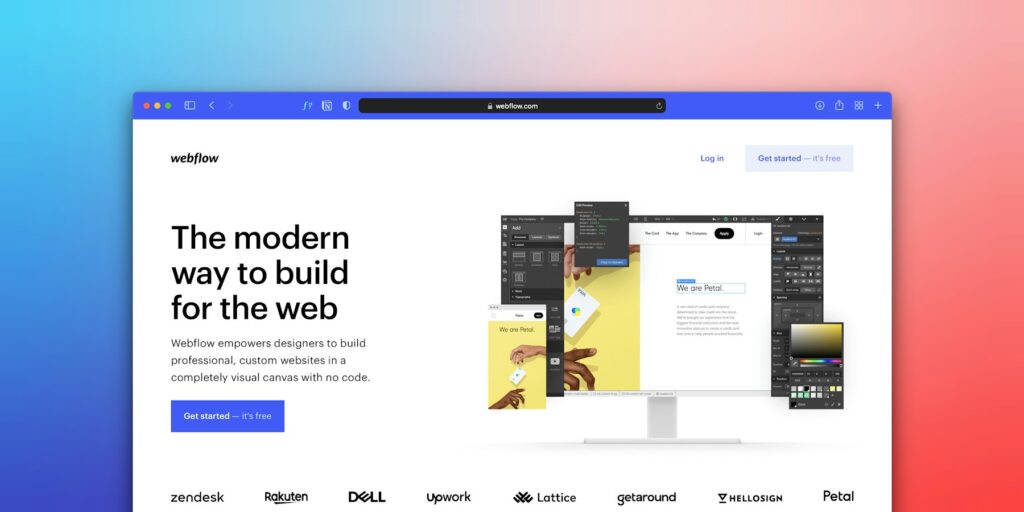
Commerce Redesign

Prism Festival Poster

Neon Nights
Bauhaus Revisited

Gig Series
Swiss Grid

Ceramic Series

Desk Lamp

Audio Concept

Glass Bottle
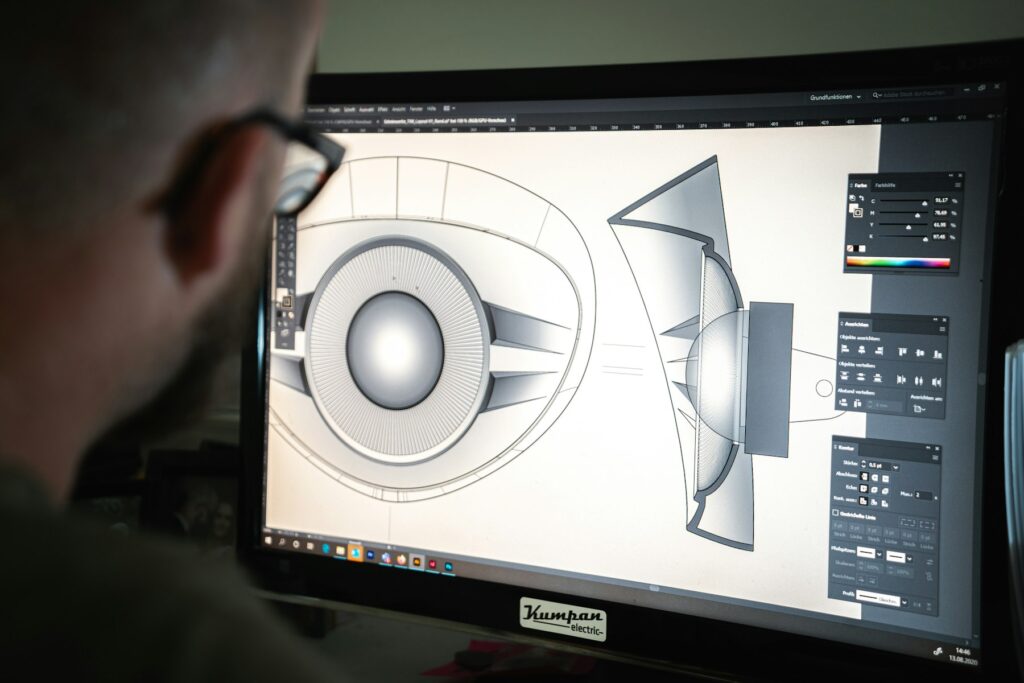
Watch Study
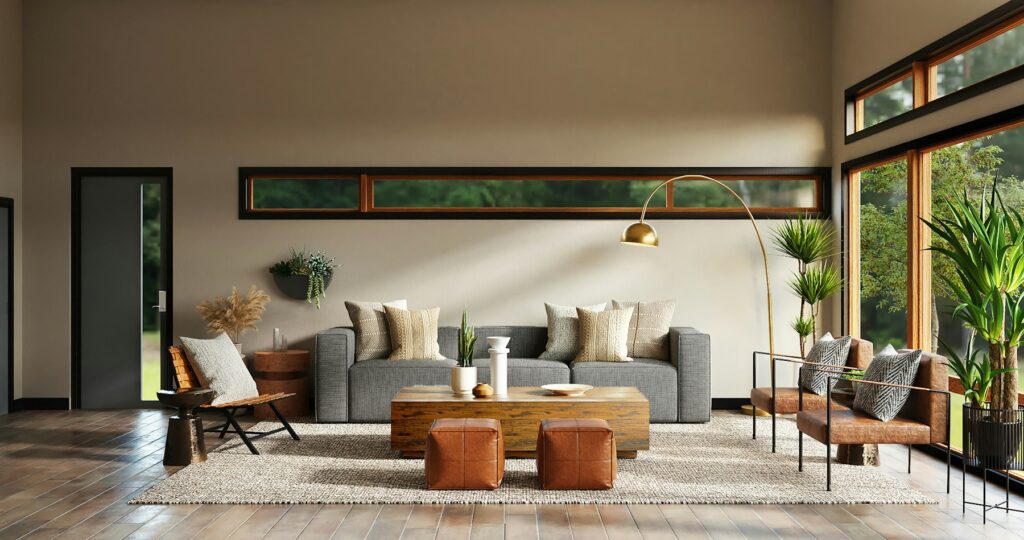
Loft Living
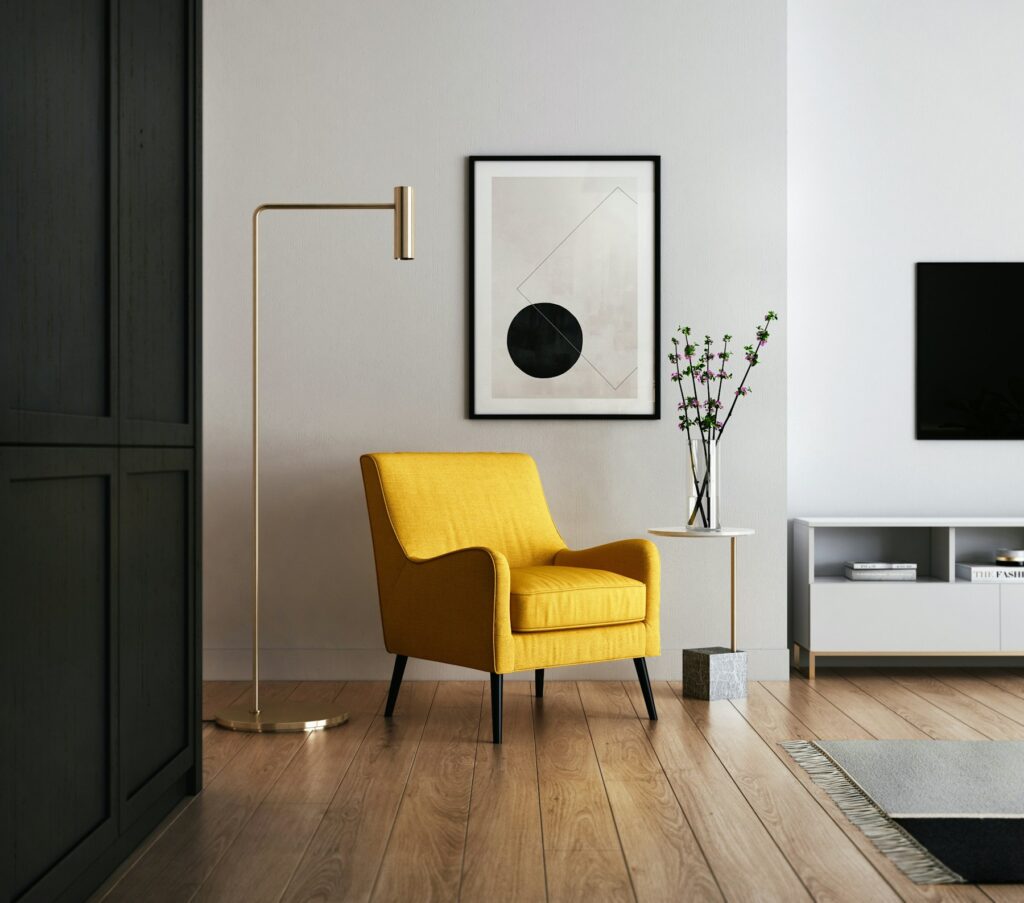
Minimal Kitchen
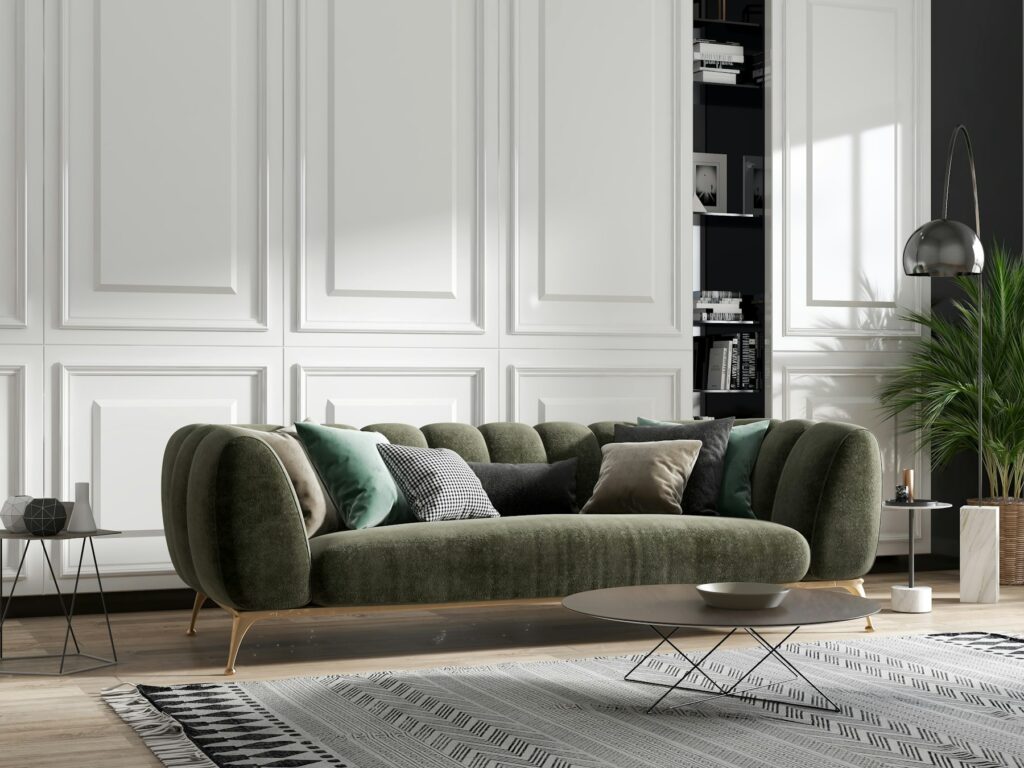
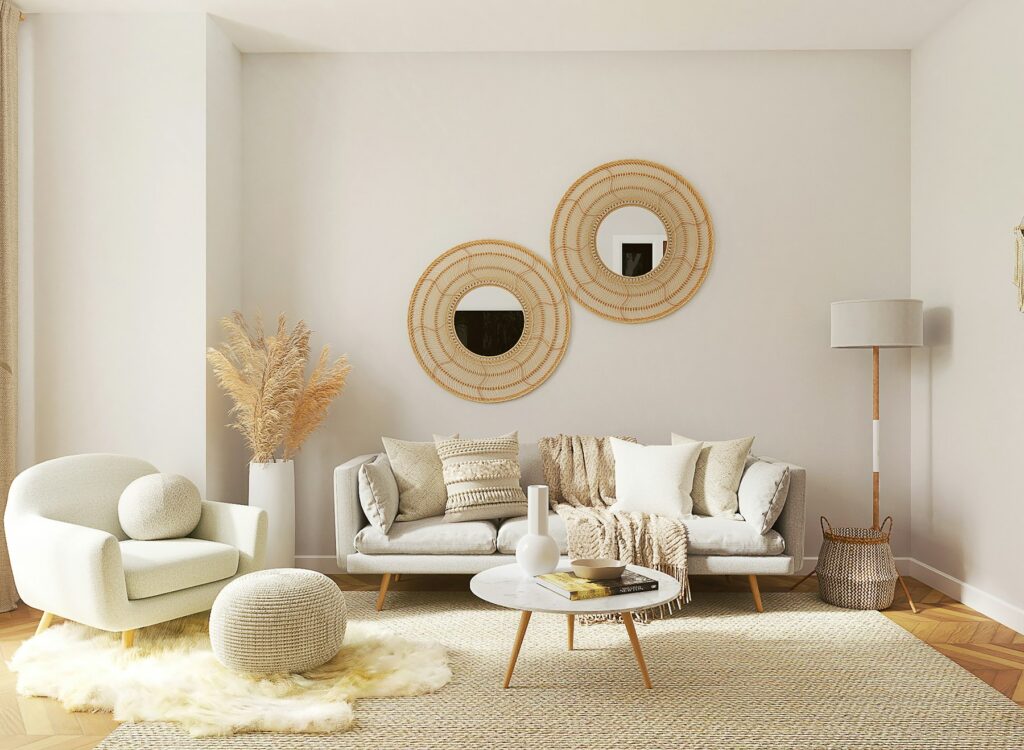
Warm Lounge
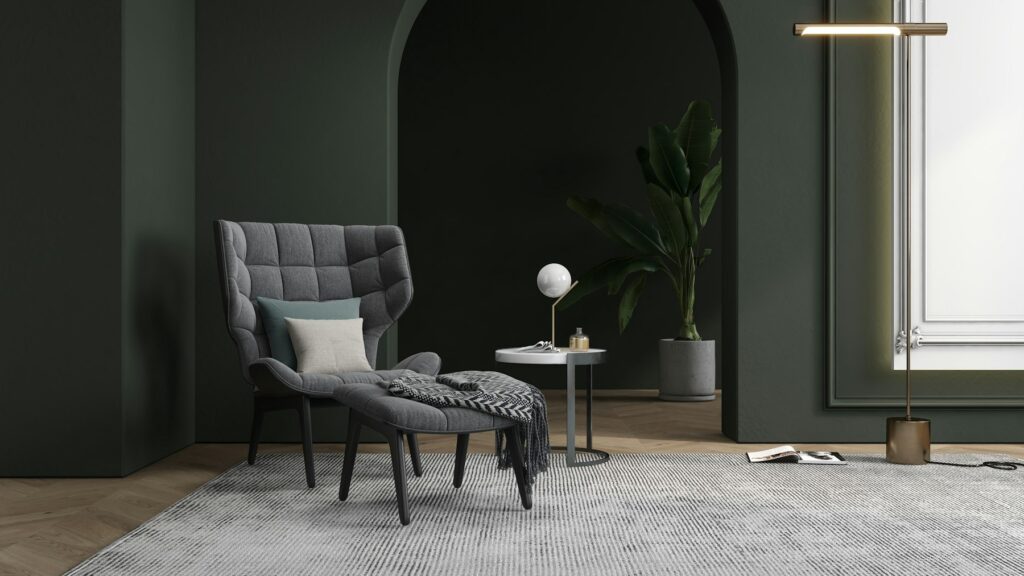
Gallery Wall
Calm Bedroom
Free · Justified rows
Justified rows with no awkward crops.
Each row fills the width exactly while every photo keeps its original shape. Set the row height and the spacing between photos.

First Look

The Vows

Ring Detail

Garden Ceremony
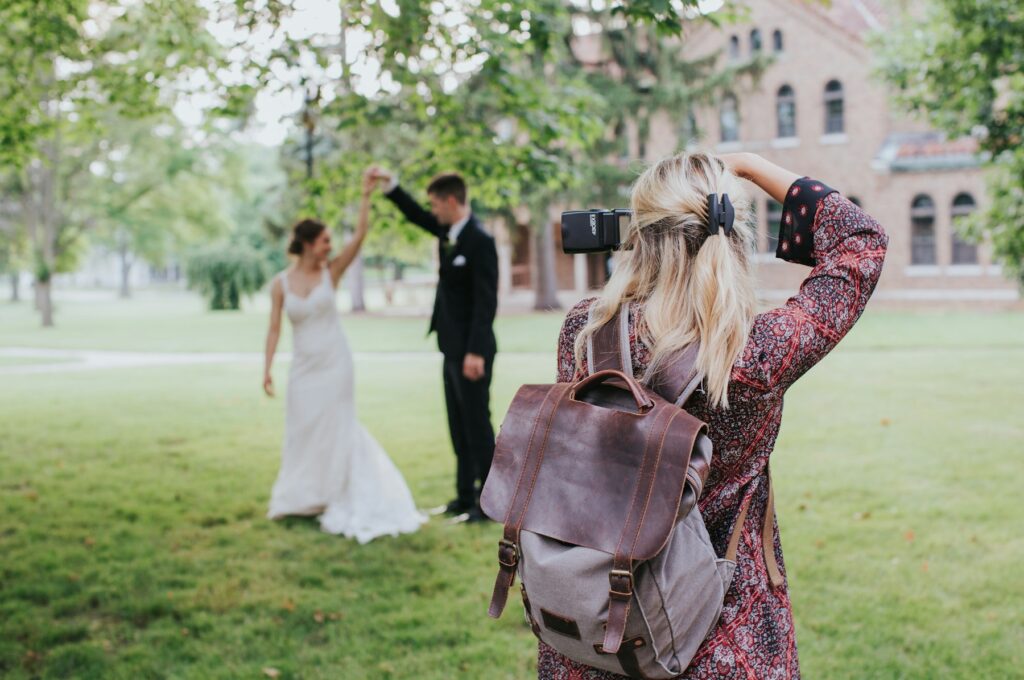
Confetti Exit

Evening Dance

Bridal Prep

Golden Couple

The Bouquet

Reception Lights
Free · Grid
An even grid in the shape you choose.
Square, landscape 4:3, 3:2 or 16:9, portrait 3:4 or each photo’s original shape. Choose columns for desktop, tablet and phone separately.

Alpine First Light

Salt Flats
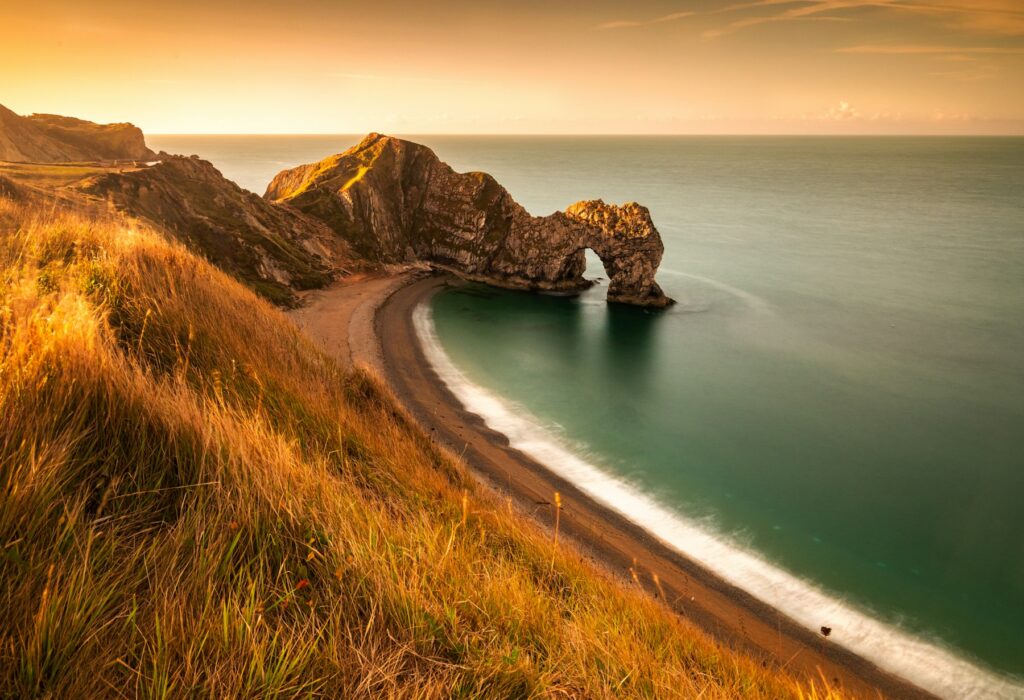
Fjord at Dusk

Highland Road

Desert Lines

Glacier Lake

Coastal Fog

Pine Ridge
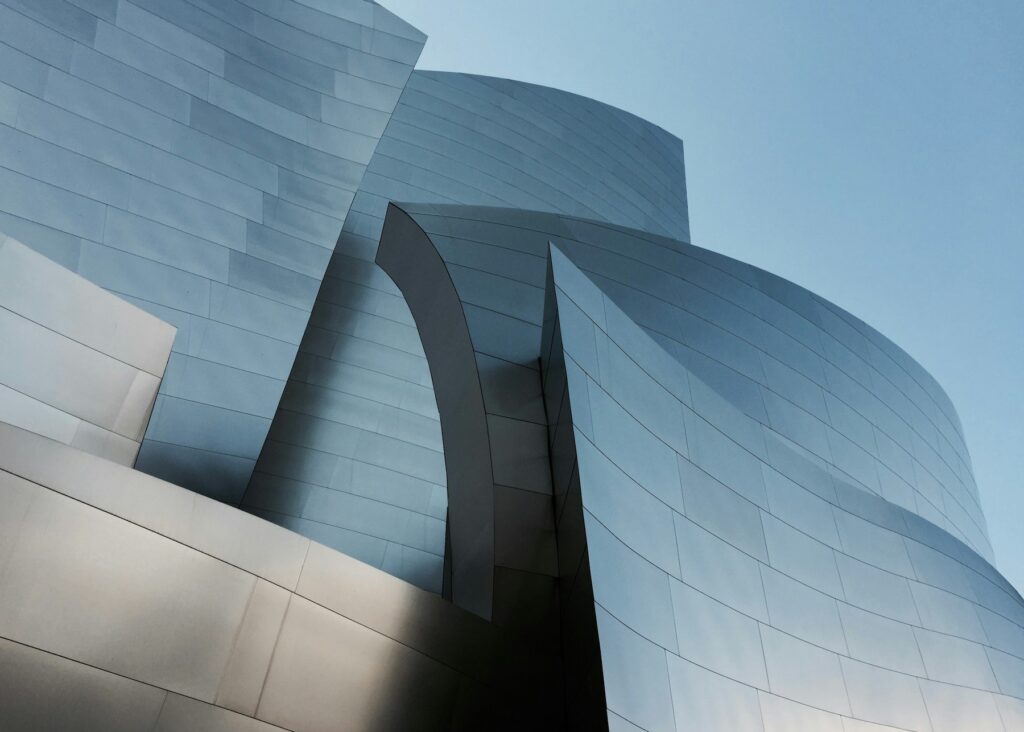
Concrete Curves

Glass Tower
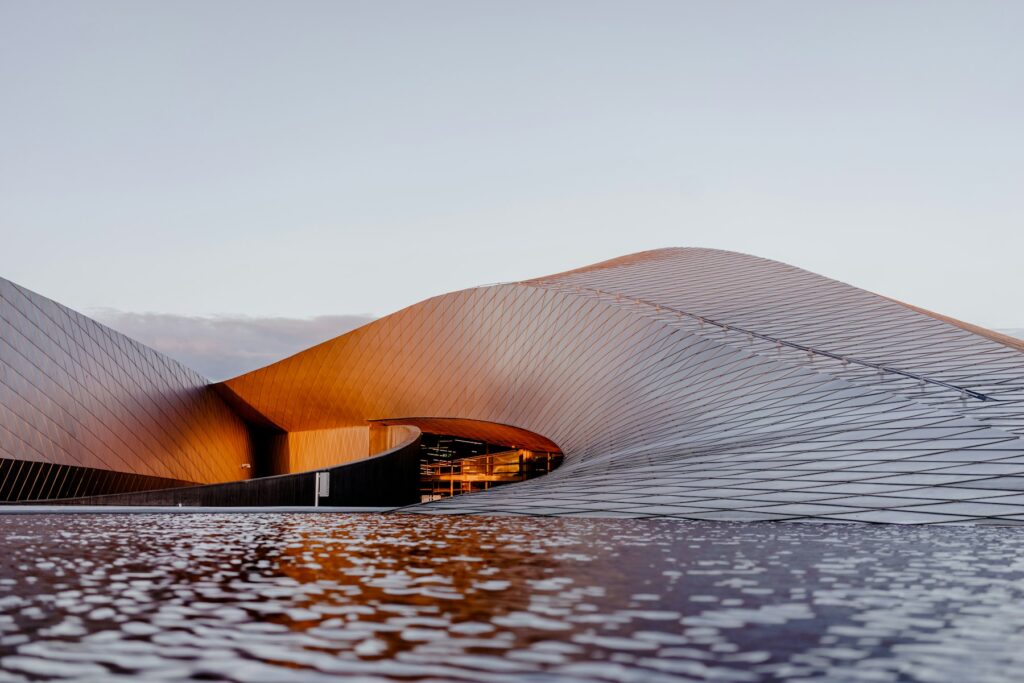
Spiral Stair

Facade Rhythm
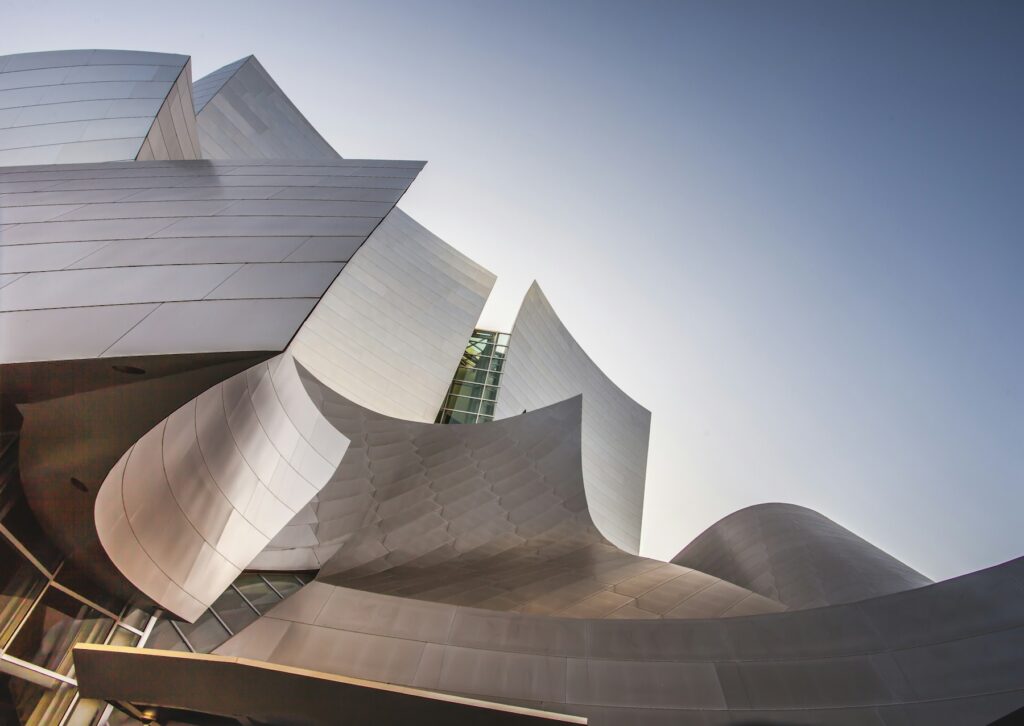
Bridge Lines

Museum Light
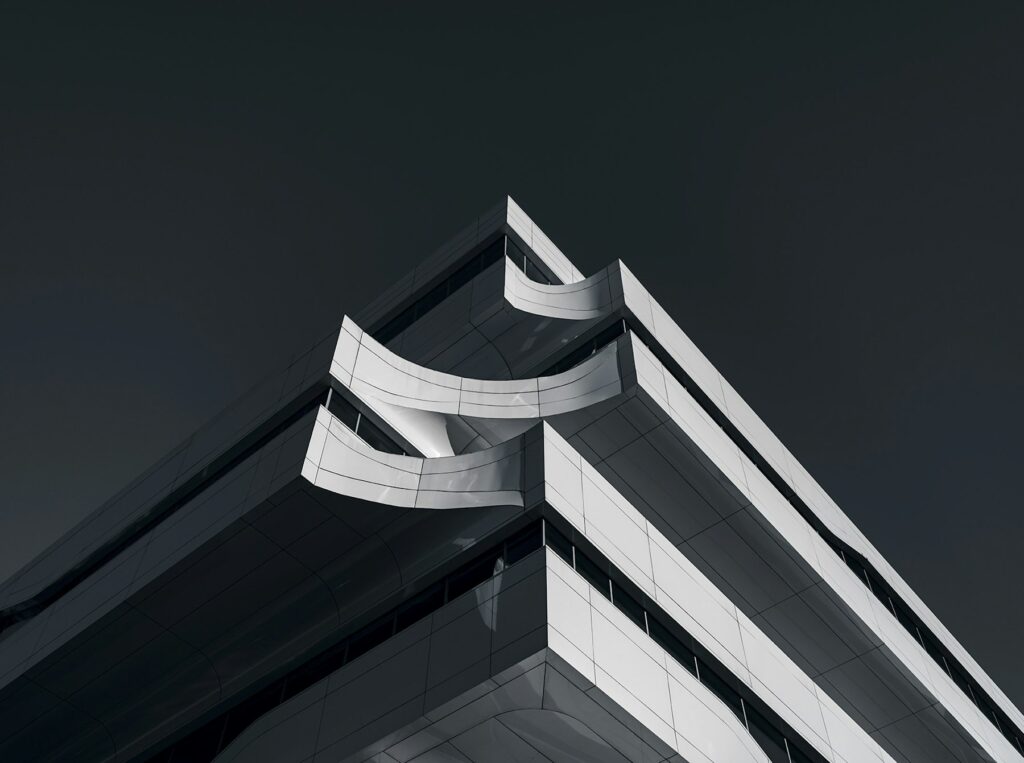
Arches

Skyline Grid

Quiet Light

Studio Blue

Golden Hour

Window Portrait

Soft Focus

Monochrome
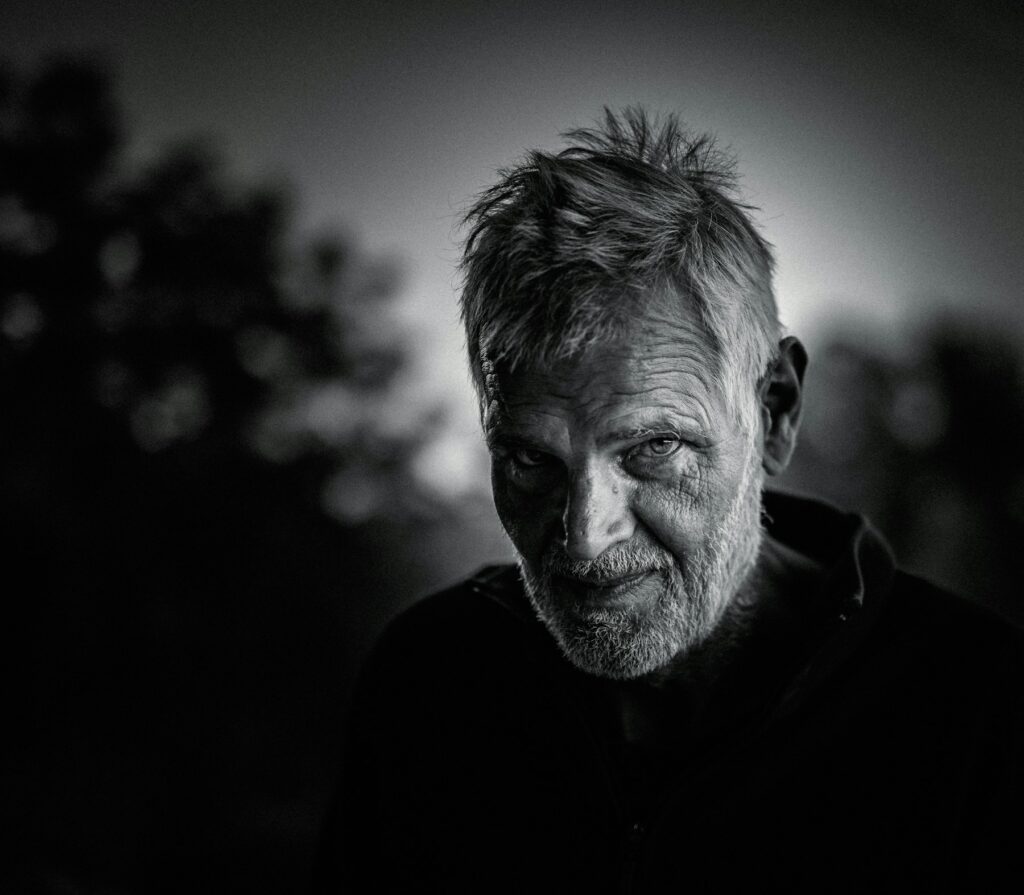
Street Portrait

Natural Light
Portfolio grid features
Grids that are quick to set up and update.
Batch upload
Drop a folder of photos onto the gallery screen. Titles and descriptions fill in from your photo details.
Filter buttons
Tag photos with categories and visitors get filter buttons automatically.
Columns per screen
Set the number of columns for desktop, tablet and phone.
Full-screen viewer
Swipe, arrow keys and captions in a clean lightbox.
Buttons on photos
Link any photo to a case study, a shop page or a booking form.
Spacing and corners
Choose the gap between photos, corner radius and caption style.
FAQ
Grid gallery questions.
Keep exploring
Start with a free grid.
Grid, Masonry and Justified are free. Add 24 3D and FX layouts whenever you’re ready.