

Free download
PrismFX Portfolio, free forever.
Six gallery layouts, including two 3D ones, with batch upload, category filters, a full-screen viewer and watermarks. Download the plugin, upload it to WordPress and build your first gallery in minutes.



Download
Get the free plugin.
One zip file, no sign-up and no email address. Install it on as many sites as you like.
- Version1.0.0
- Requires WordPress6.0 or newer
- Requires PHP7.4 or newer
- LicenceGPLv2 or later
- PriceFree, no account needed
Included free
Six layouts. Zero cost.
Every free layout below is running live on this page. Drag, swipe, filter and click a photo to open it full screen.
- Grid
- Masonry
- Justified
- Coverflow
- 3D Ring
- Expanding Panels
Live demo · Coverflow
One photo front and centre.
The active photo sits in the middle while its neighbours angle away in 3D. Drag, swipe or use the arrow keys.

Alpine First Light

Salt Flats
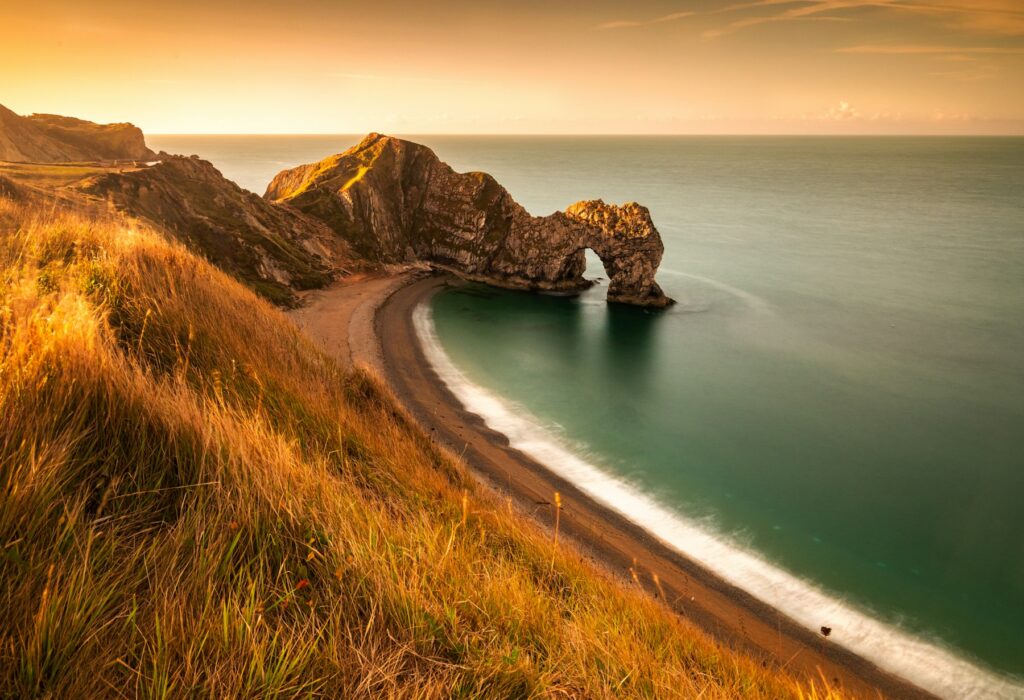
Fjord at Dusk

Highland Road

Desert Lines

Glacier Lake

Coastal Fog

Pine Ridge

Golden Valley

Northern Shore

Cliffside Village

Night Market
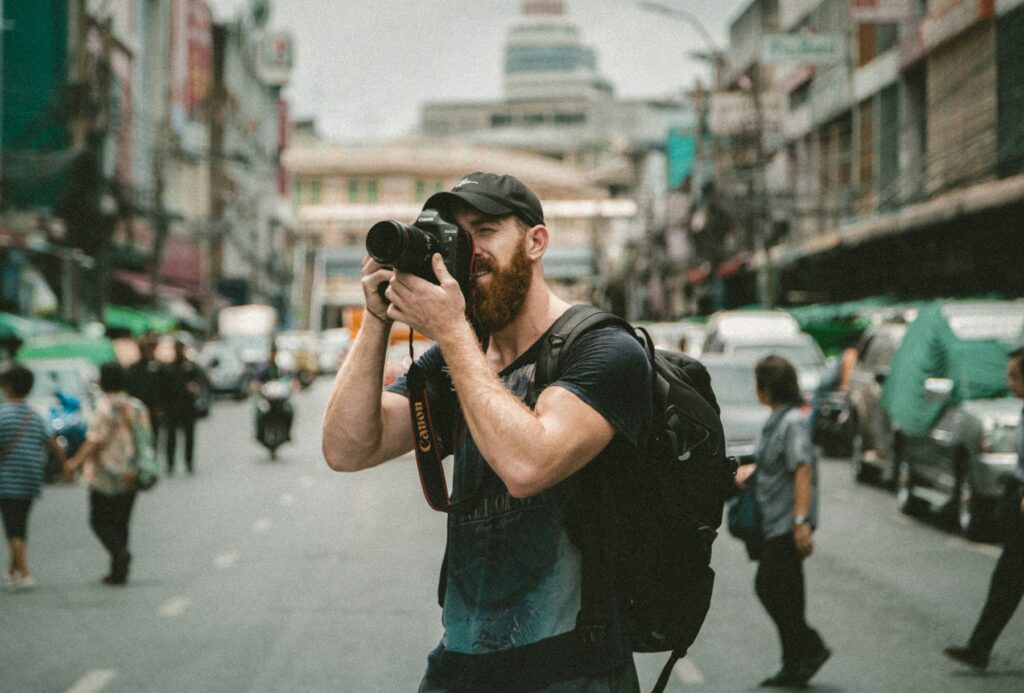
Old Town Steps

Harbour Morning
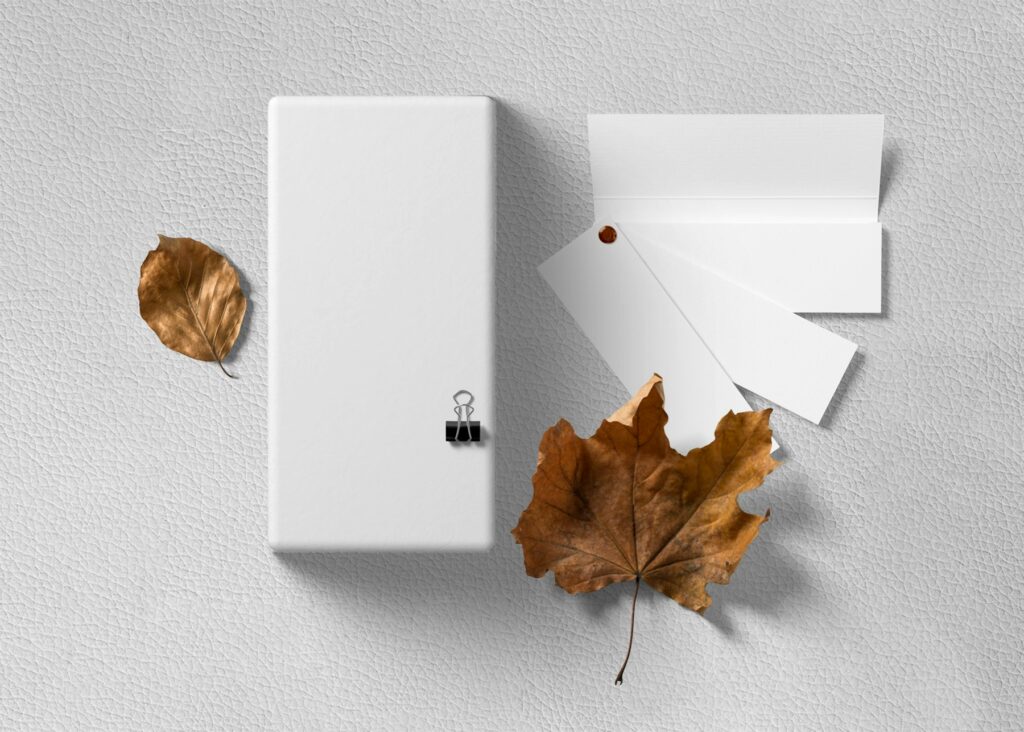
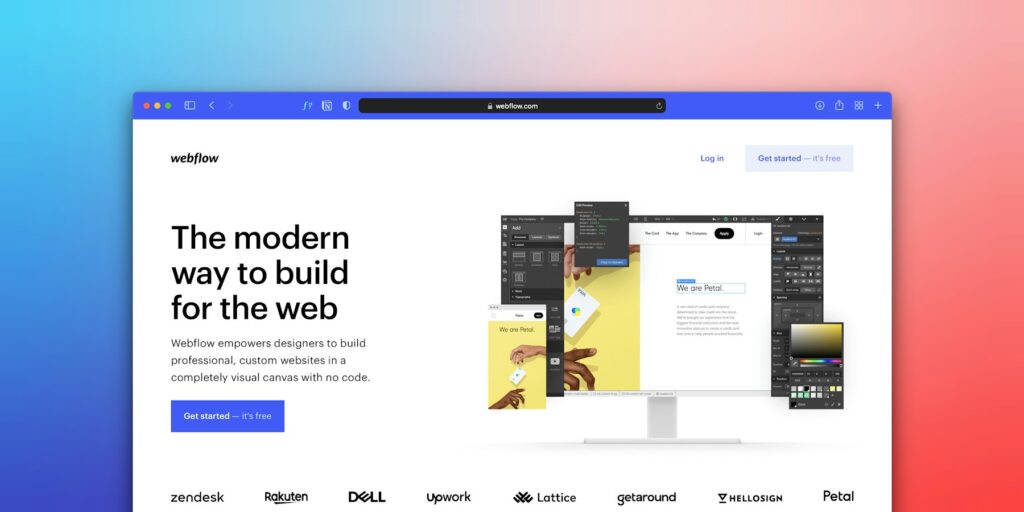
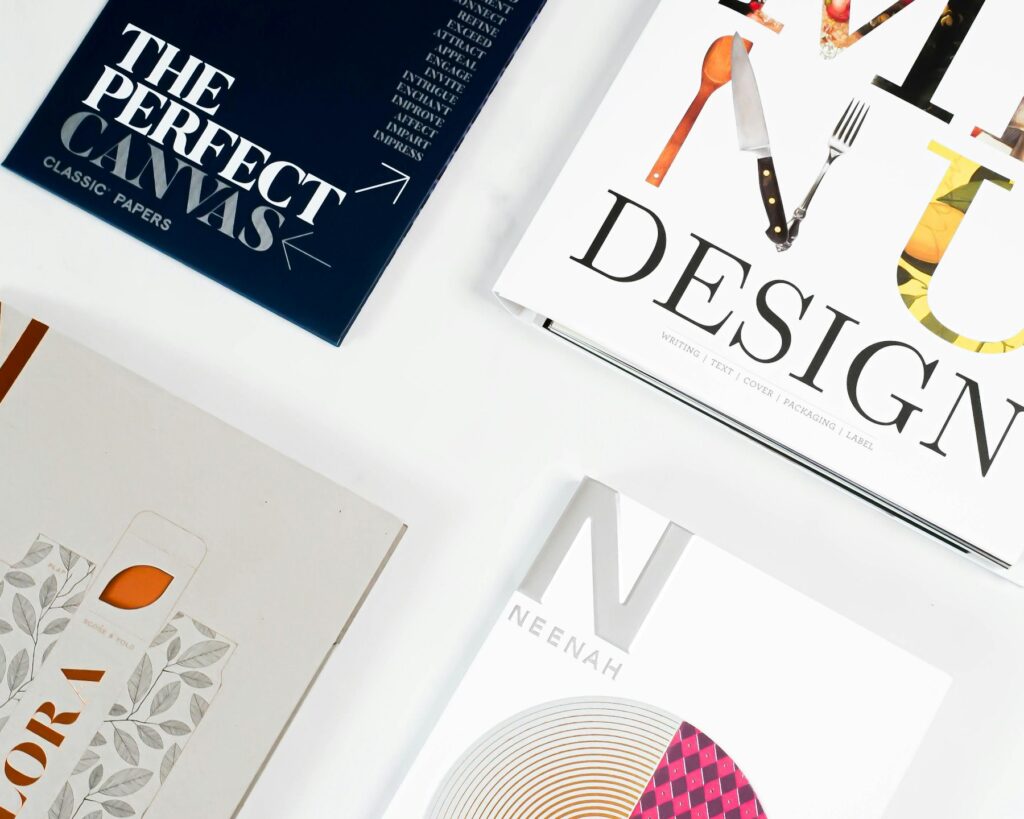
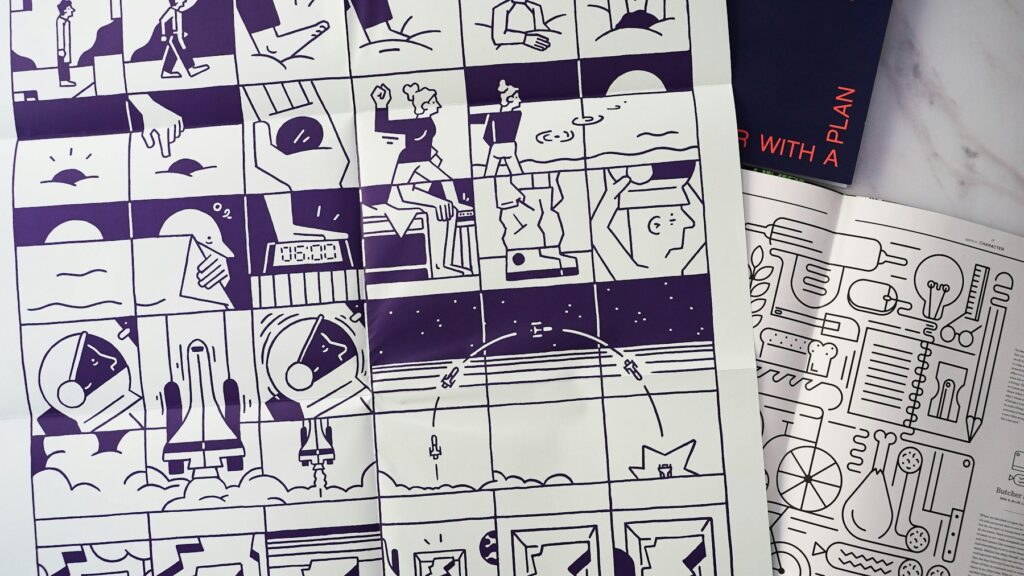
Live demo · Masonry + filters
Every photo keeps its own shape.
Columns that never crop your work, with category filter buttons that re-sort the gallery as visitors click.

Nordlicht Identity
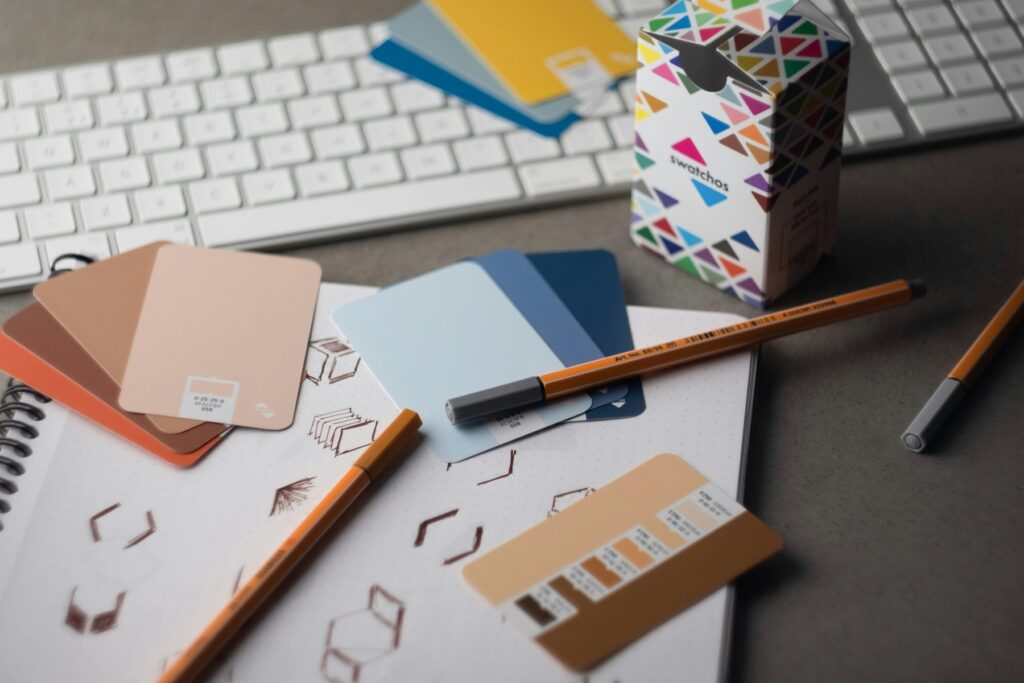
Fern & Co. Packaging
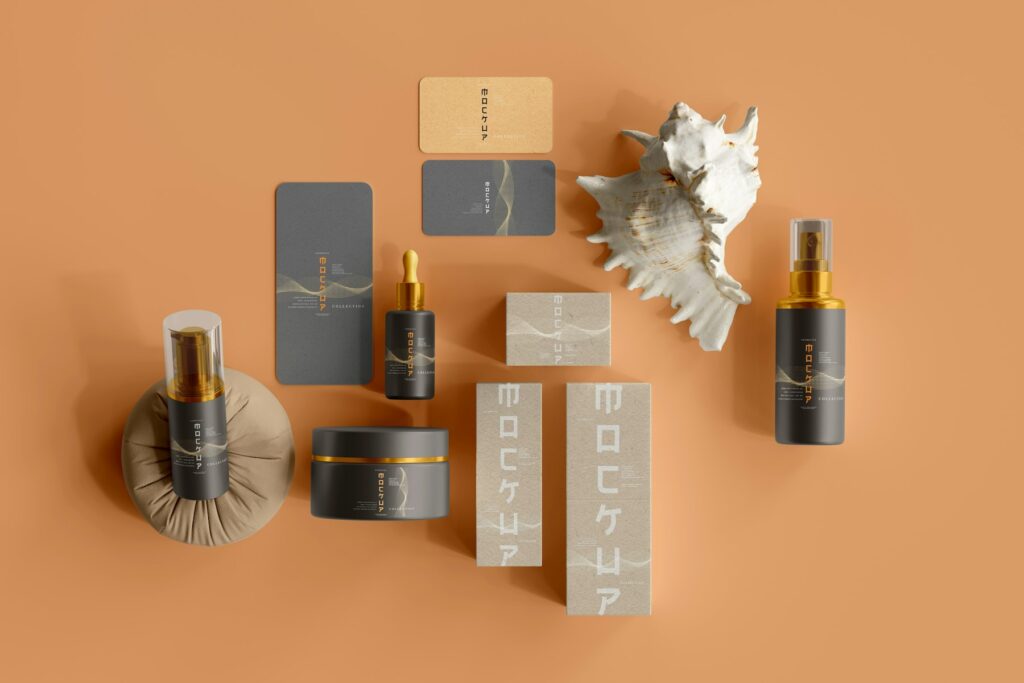
Halo Coffee Brand

Atelier Stationery
Lumen Rebrand

Aurora SaaS Site

Studio Portfolio

Fintech Dashboard

Gallery App UI
Commerce Redesign

Prism Festival Poster
Neon Nights
Bauhaus Revisited

Gig Series
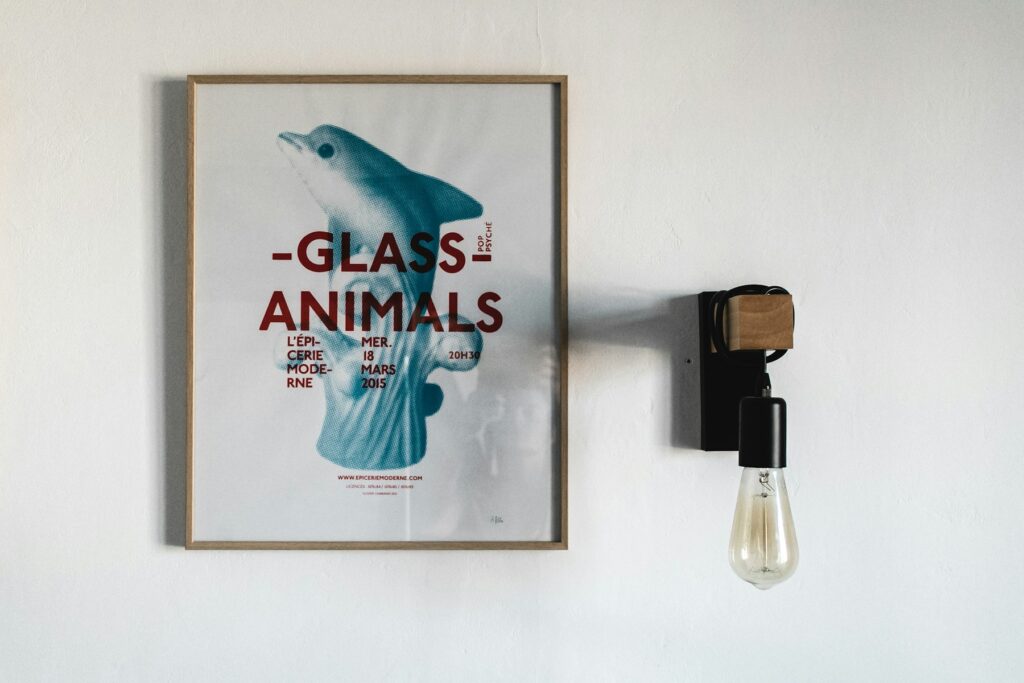
Swiss Grid
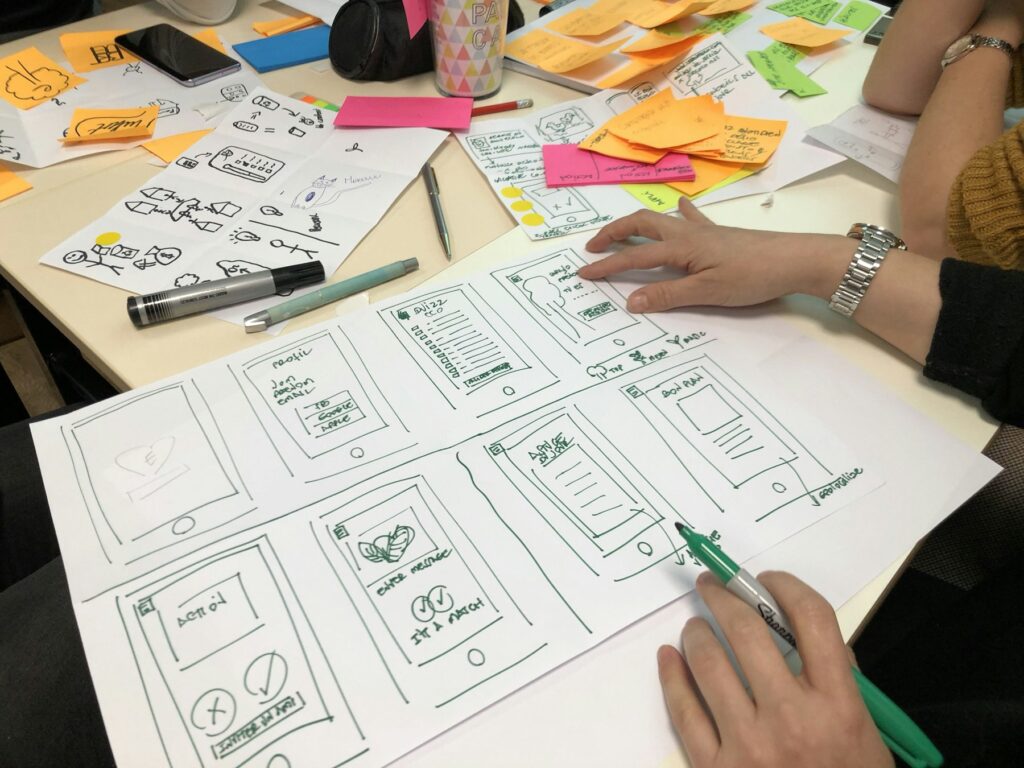
Ceramic Series

Desk Lamp

Audio Concept

Glass Bottle
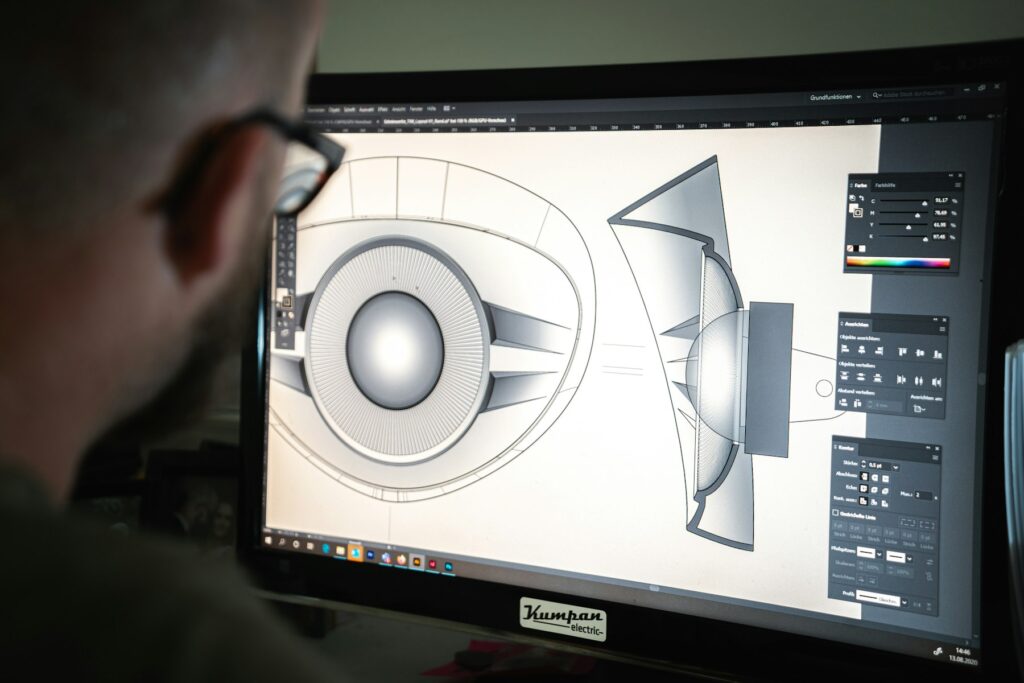
Watch Study
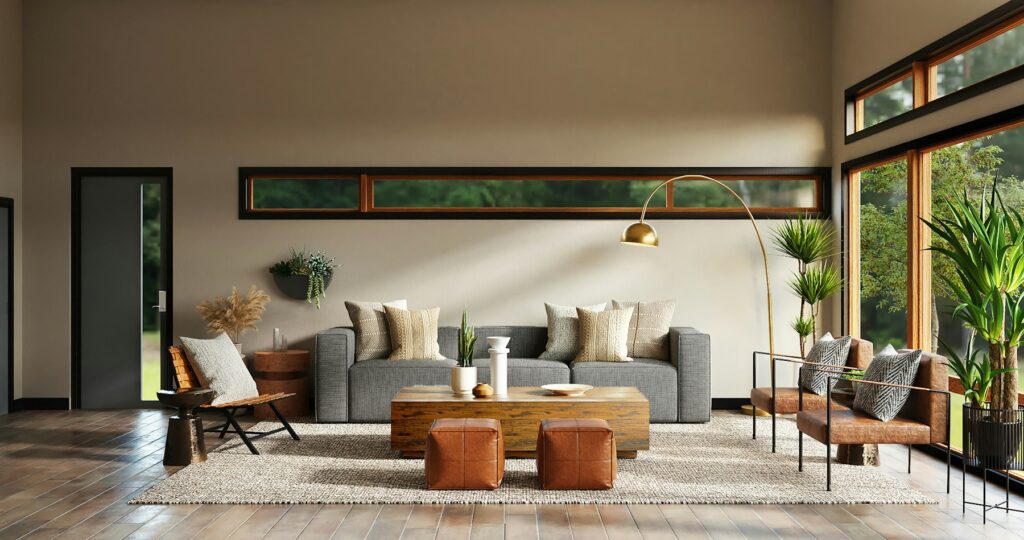
Loft Living
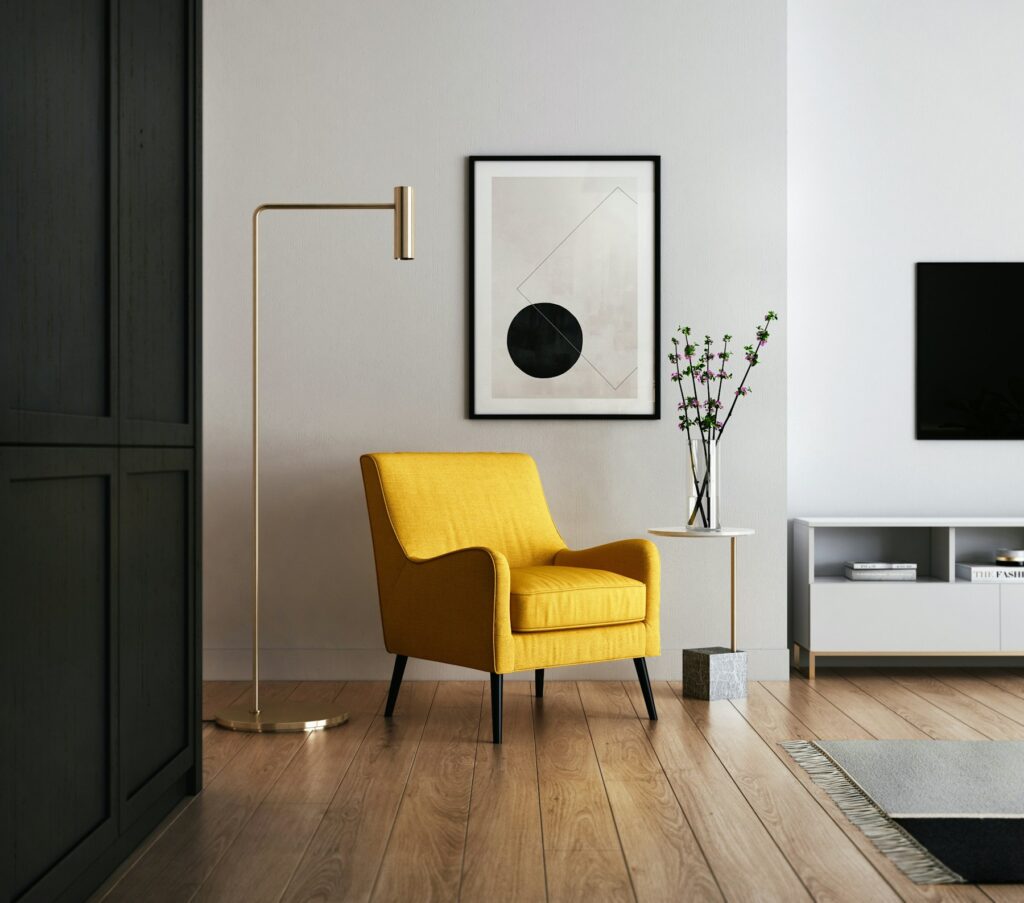
Minimal Kitchen
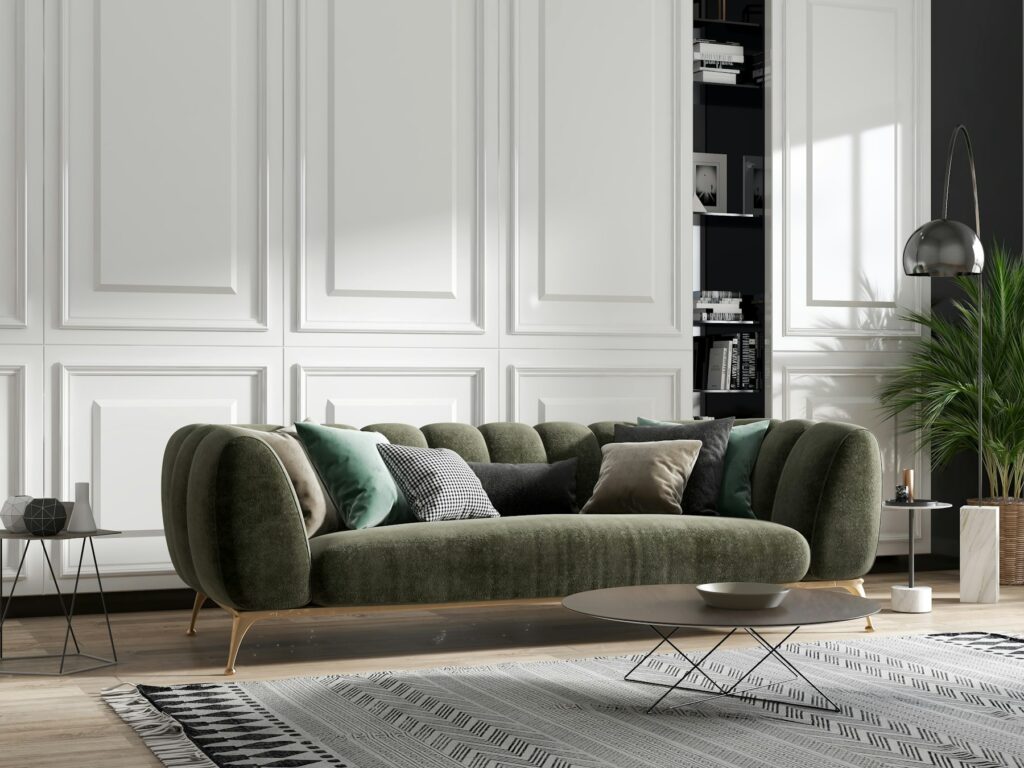
Warm Lounge
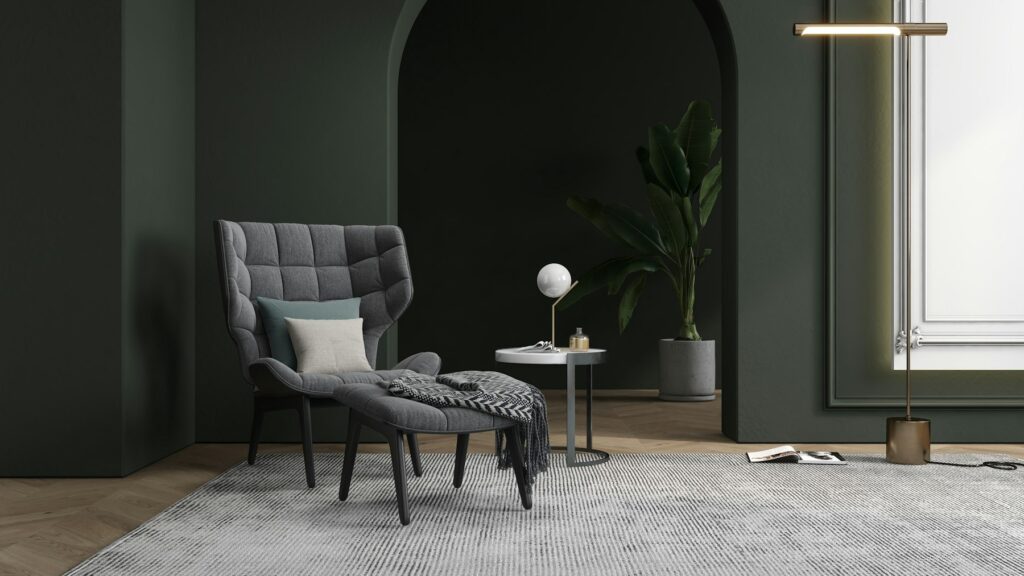
Gallery Wall
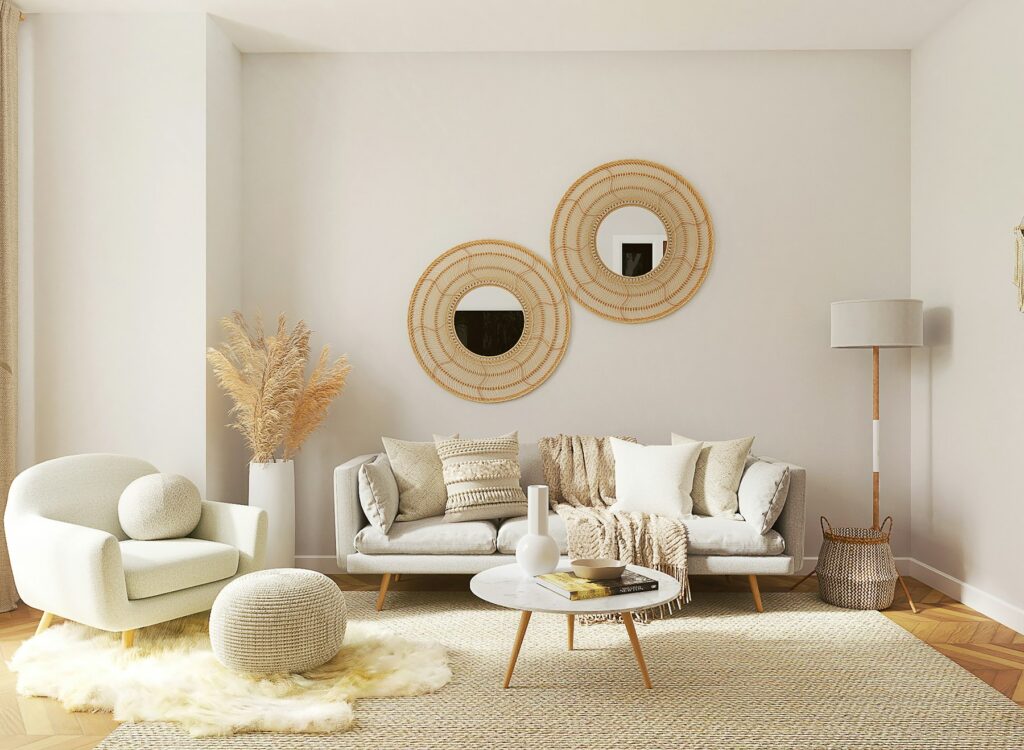
Calm Bedroom
Live demo · 3D Ring
Prints in a rotating ring.
Matted photos stand in a slowly turning circle with a soft reflection on the floor.

Quiet Light

Studio Blue

Golden Hour

Window Portrait

Soft Focus

Monochrome
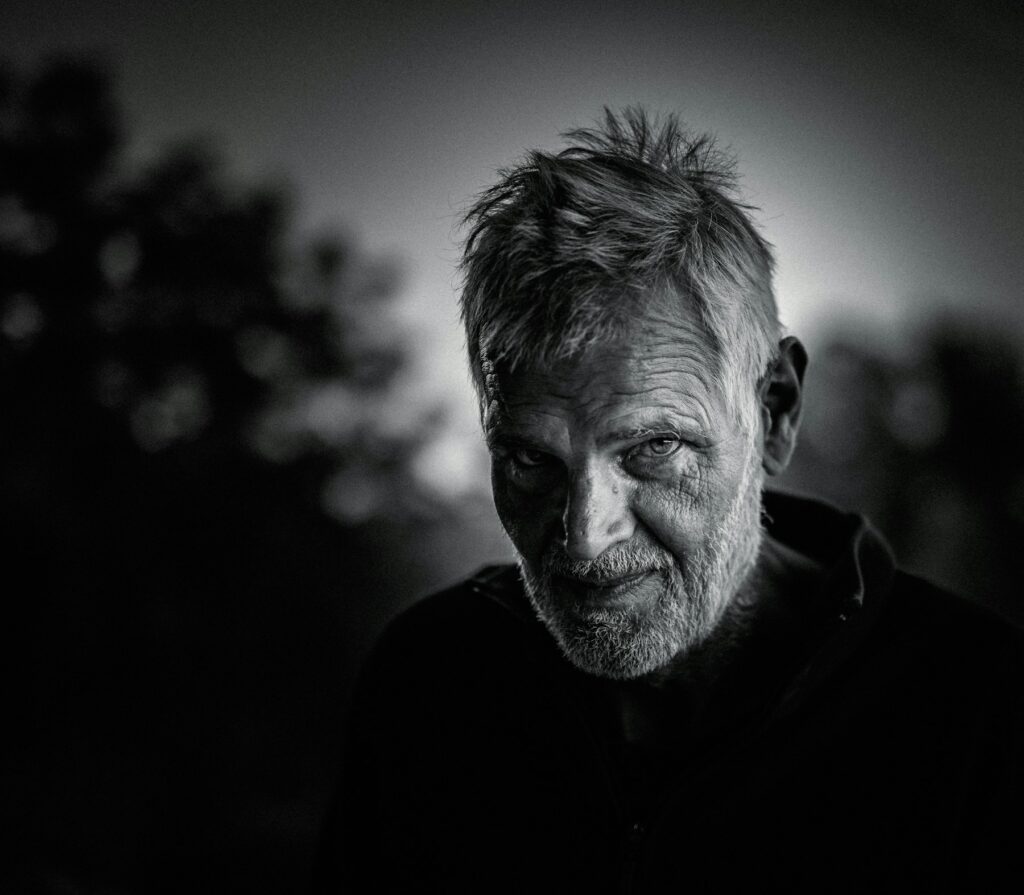
Street Portrait

Natural Light

Backlit

Close Study
Cliffside Village
Night Market
Old Town Steps
Harbour Morning
Aurora SaaS Site
UI / UX case study
Studio Portfolio
UI / UX case study
Fintech Dashboard
UI / UX case study
Gallery App UI
UI / UX case study
Commerce Redesign
UI / UX case study
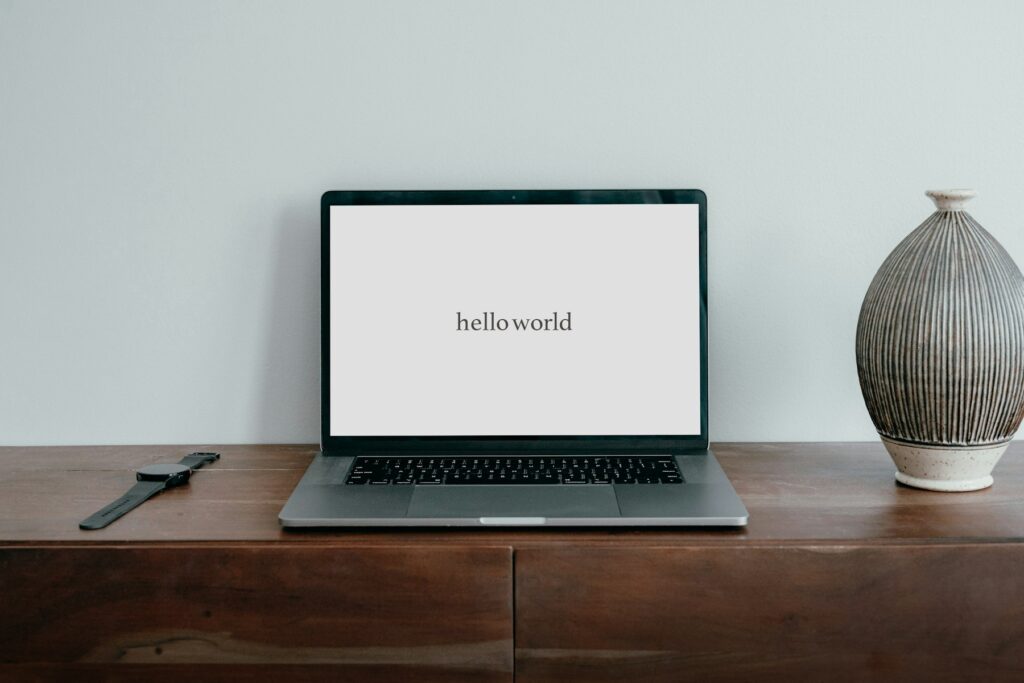
Mobile Banking
UI / UX case study
Live demo · Expanding Panels
Open up the one you choose.
Tall photo strips side by side. Hover or tap one and it widens and tilts forward. On phones the strips stack.
Live demo · Justified rows
Edge to edge, no cropping.
Rows of equal height that fill the full width while every photo keeps its original shape.

First Look

The Vows
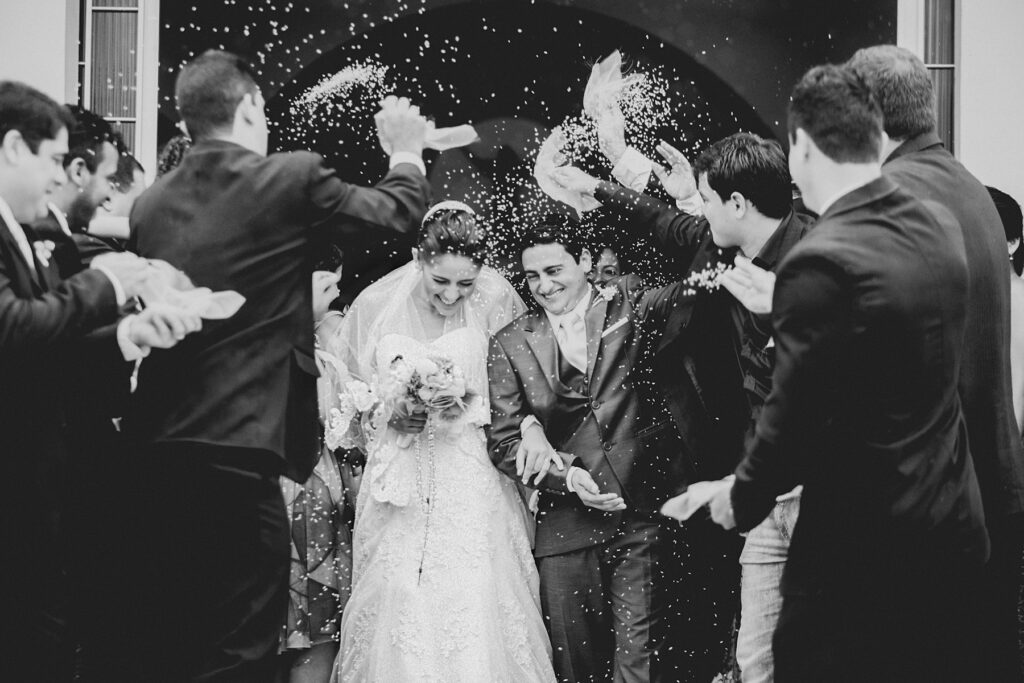
Ring Detail

Garden Ceremony
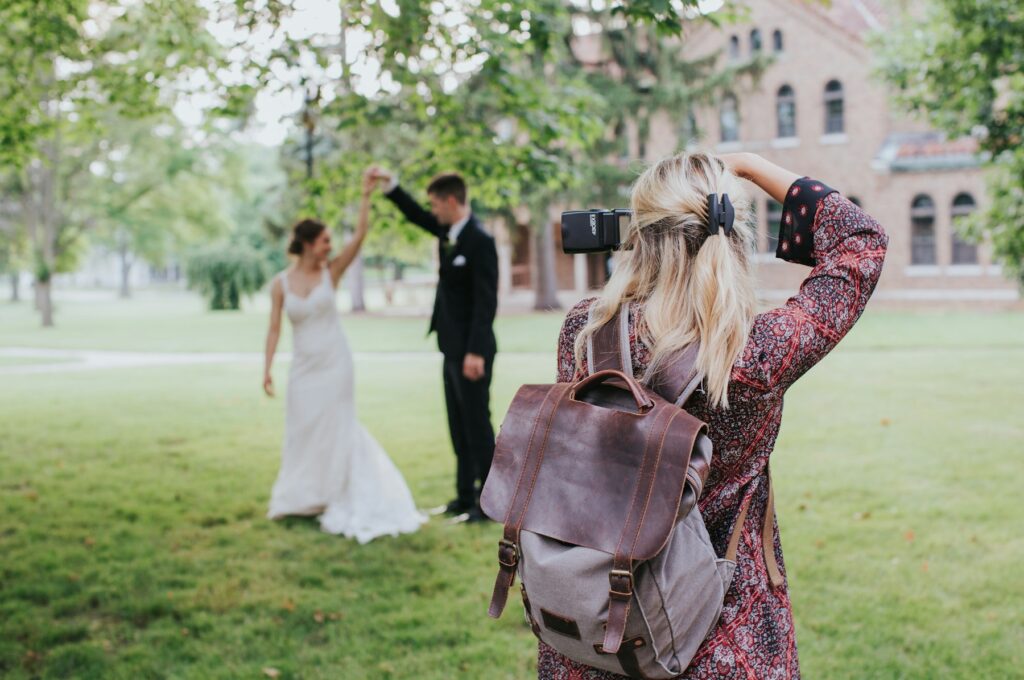
Confetti Exit

Evening Dance

Bridal Prep

Golden Couple

The Bouquet

Reception Lights
Live demo · Grid + filters
A tidy grid in any shape.
Even rows in square, 4:3, 3:2, 16:9, portrait or original proportions, with filter buttons on top.
Alpine First Light
Salt Flats
Fjord at Dusk
Highland Road
Desert Lines
Glacier Lake
Coastal Fog
Pine Ridge
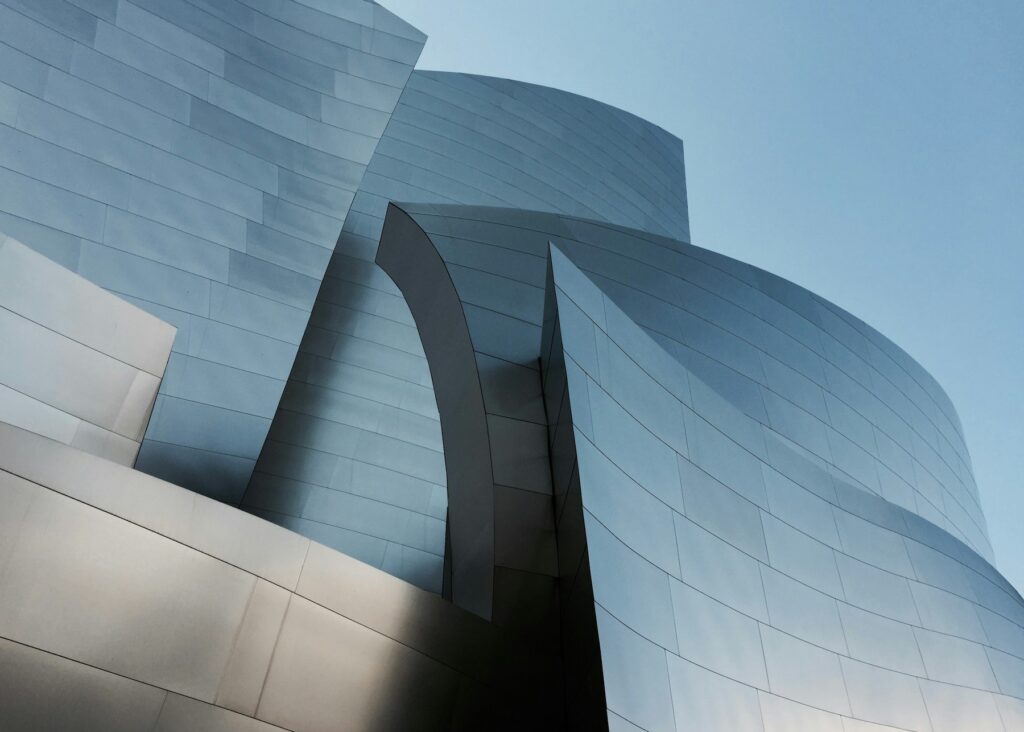
Concrete Curves

Glass Tower
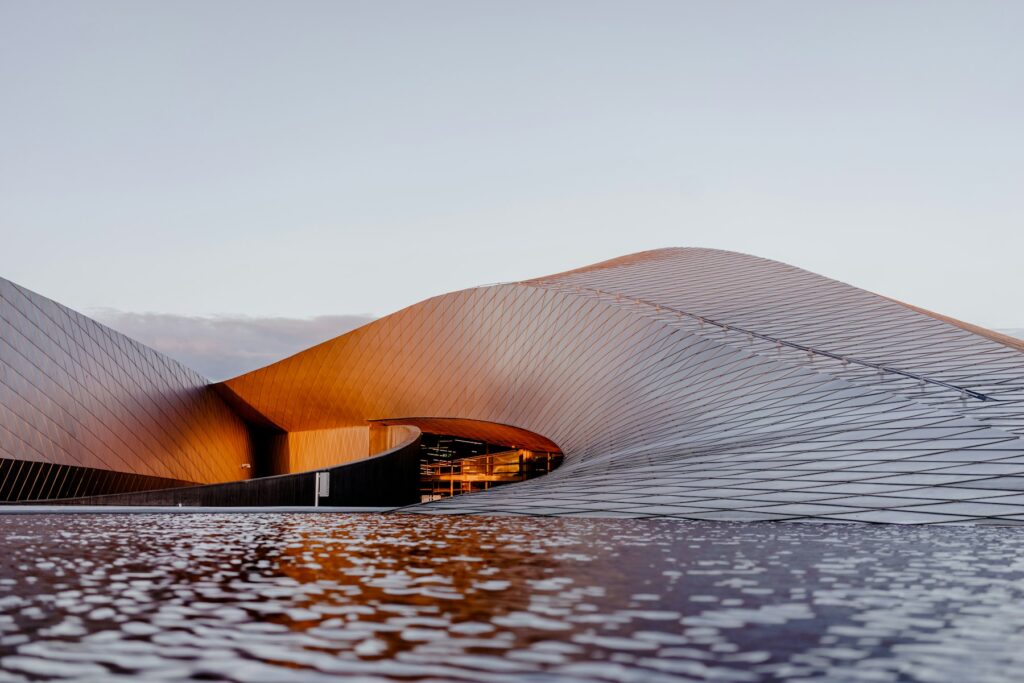
Spiral Stair
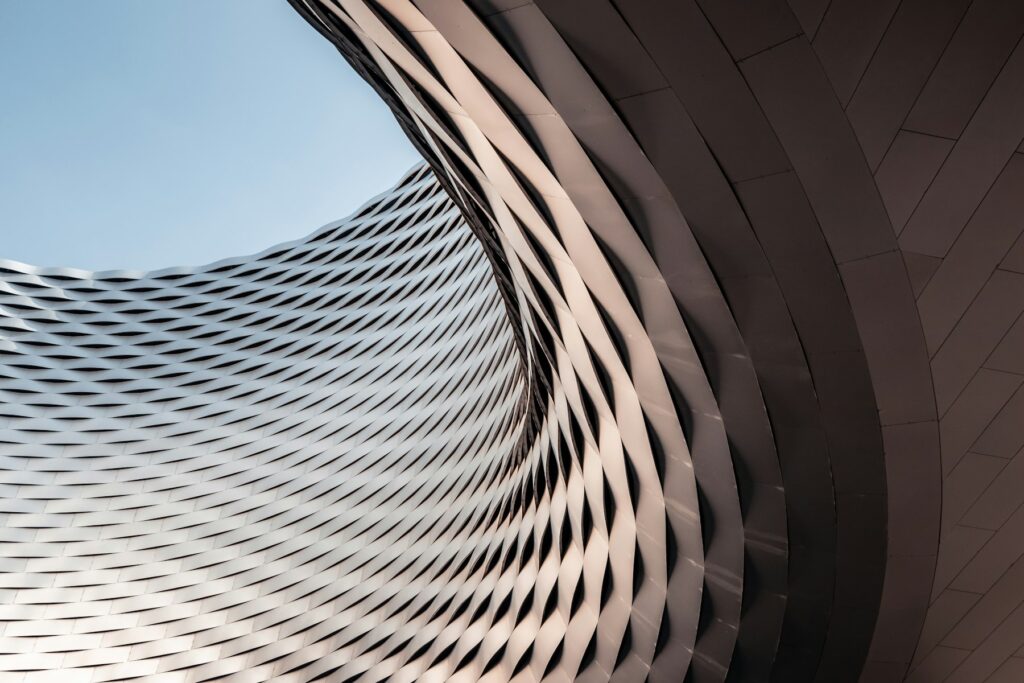
Facade Rhythm
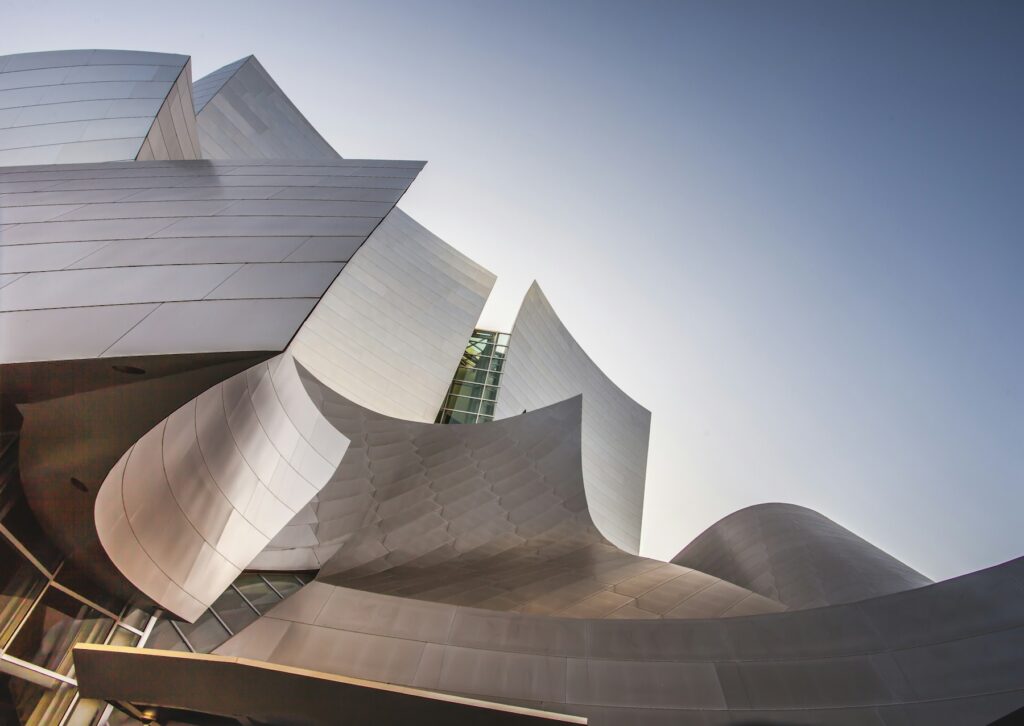
Bridge Lines
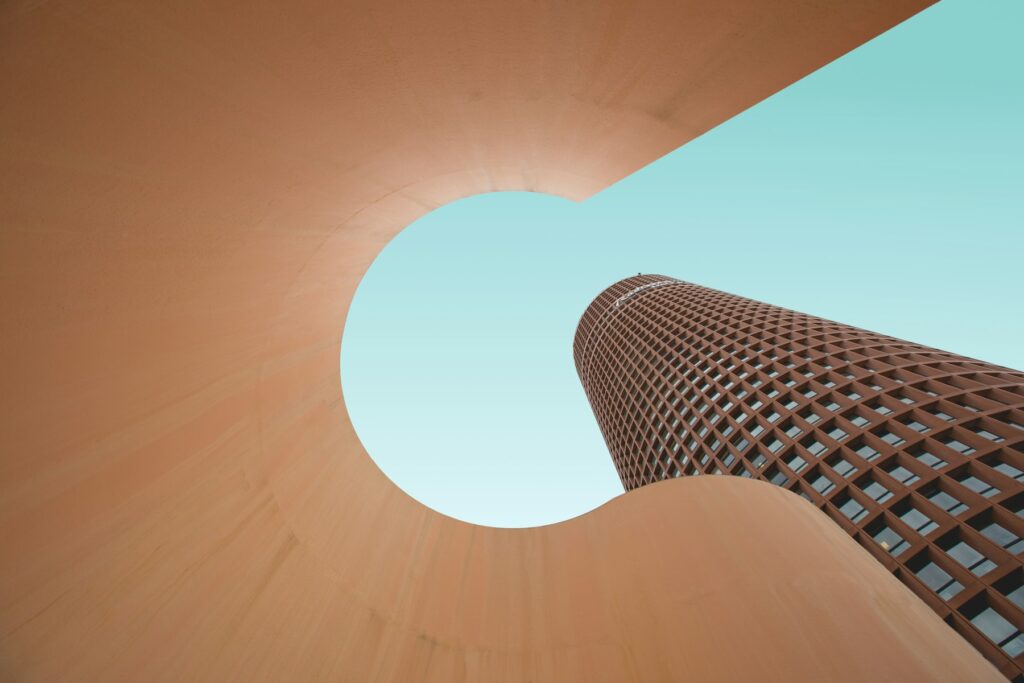
Museum Light
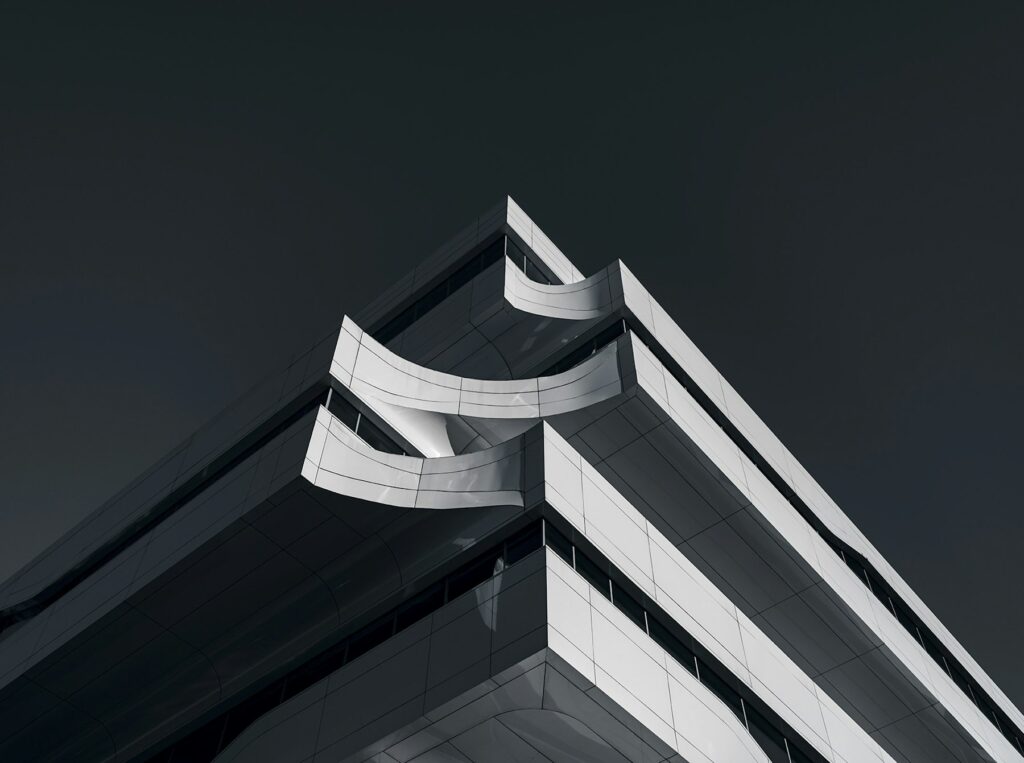
Arches

Skyline Grid
Quiet Light
Studio Blue
Golden Hour
Window Portrait
Soft Focus
Monochrome
Street Portrait
Natural Light
In the free plugin
Built for real portfolios.
Batch upload
Drag a whole folder onto the gallery screen or pick many photos from your Media Library at once.
Quick-edit table
Every photo is a row with a title, description, categories, button text and link. Smart titles are filled in from file names.
Category filters
Tag photos as Weddings, Branding or anything else and visitors get filter buttons above the gallery.
Full-screen viewer
Swipe, arrow keys and captions, plus a shareable link for every photo.
Watermarks
Add your name or studio as a corner, centred or tiled watermark on any gallery.
Phones first
Set columns for phones, tablets and desktops, or show a different layout on phones.
Your site's style
Uses your theme's font. Light or dark cards with an optional accent colour.
Block or shortcode
Add the PrismFX Gallery block, or paste one shortcode into Cornerstone, Elementor, Divi or any builder.
Autoplay & motion
Autoplay, arrows, drag, swipe and keyboard support on the 3D layouts.
Install
Up and running in a minute.
Want every screen and setting explained? The user guide walks through all of it, with screenshots.
Download the zip
Click the download button above. Keep the file zipped.
Upload it to WordPress
In your dashboard go to Plugins → Add New → Upload Plugin, choose the zip and click Install Now.
Activate
Click Activate. A new PrismFX menu appears in the sidebar.
Make your first gallery
Go to PrismFX → New gallery, drop in your photos, pick a layout and publish.
When you want more
Pro adds 24 more layouts.
Orbit Wheel, Story Cube, Helix, Sphere, Cinema and 19 others, plus albums, video galleries, password-protected client galleries, right-click protection and automatic updates. Pro works alongside the free plugin, so your galleries stay as they are.
FAQ
Free plugin questions.
Keep exploring
Make your first gallery today.
Download the free plugin and have a live gallery on your site in minutes.